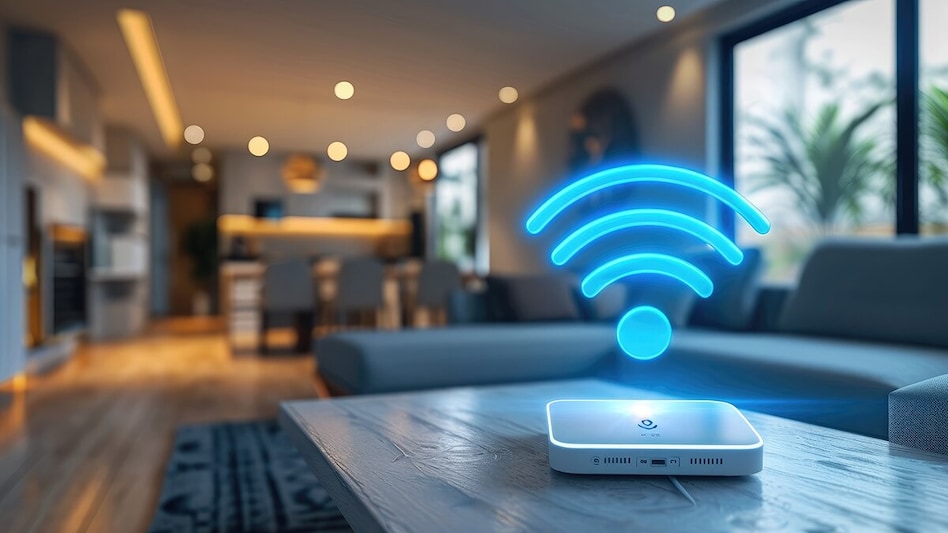
Slow internet at home? 5 ways to boost your Wi-Fi speed and connection
Experiencing slow Wi-Fi can be incredibly frustrating, especially when you're trying to stream your favorite movie, engage in a video conference, or download applications. With numerous devices like TVs, laptops, smartphones, and smart speakers vying for bandwidth on the same network, it’s no surprise your connection might be sluggish. Fortunately, there are several straightforward solutions you can implement to improve your Wi-Fi performance. First and foremost, consider the placement of your router. Positioning it in a central location within your home can significantly enhance the wireless signal's reach. Avoid placing the router behind walls or other obstacles that could weaken its signal. Additionally, steer clear of major appliances, like microwaves, that can interfere with your Wi-Fi. If your router is dual-band, you have the option to switch between the 2.4GHz and 5GHz bands. For activities that require faster speeds, such as gaming or video calls, connecting to the 5GHz band can provide a noticeable boost. The 2.4GHz band remains beneficial for devices that are located farther away from the router and don't require as much speed. Another simple yet effective tip is to reboot your router regularly. This classic advice of turning a device off and on can work wonders for your router as well. Restarting it every few days not only helps alleviate speed or latency issues but also prevents overheating, which can affect its lifespan. It's also wise to review the devices connected to your Wi-Fi network. You might be surprised at how many devices are still linked. Use your router's app to manage connected devices and remove any that no longer need access. This can free up bandwidth and enhance your overall network capacity. Lastly, if you've tried all these tips and are still facing connectivity issues, your router may be outdated. Investing in a newer model could be the key to achieving better speeds. If problems persist, don’t hesitate to reach out to your internet service provider. They can check for any areas in your home where the signal might be weak. By following these tips, you can significantly improve your Wi-Fi experience and enjoy seamless connectivity throughout your home.
Anthropic's Stock Plummets, Raising Concerns for the AI Sector
Shares of Anthropic have dipped below their initial public offering (IPO) price of $83, reaching a low of $76 by midday ...
TechCrunch | Nov 24, 2026, 18:45
The Complex Journey of Jensen and Lori Huang: Love, Challenges, and Triumphs
Jensen Huang, the prominent CEO of Nvidia, and his wife Lori have navigated a journey filled with personal and professio...
Business Insider | Nov 24, 2026, 19:05Threads Expands to iPad with New Cashtag Feature to Rival X
Meta's Threads app has officially launched a dedicated version for iPad, marking a significant milestone in its developm...
TechCrunch | Nov 24, 2026, 18:00
Mathematicians React to Controversial Joke Over Lengthy Proof of Riemann Hypothesis
Tensions are rising in the mathematical community following a controversial comment made by Levent Alpöge, a researcher ...
Business Insider | Nov 24, 2026, 17:30Investing in the Future: Solar and Battery Solutions for AI Data Centers
The challenge of powering AI data centers has emerged as a pivotal issue in the current technological landscape. Over th...
TechCrunch | Nov 24, 2026, 16:25