Forgot your power bank? Your phone can be charge using another phone; Here’s how
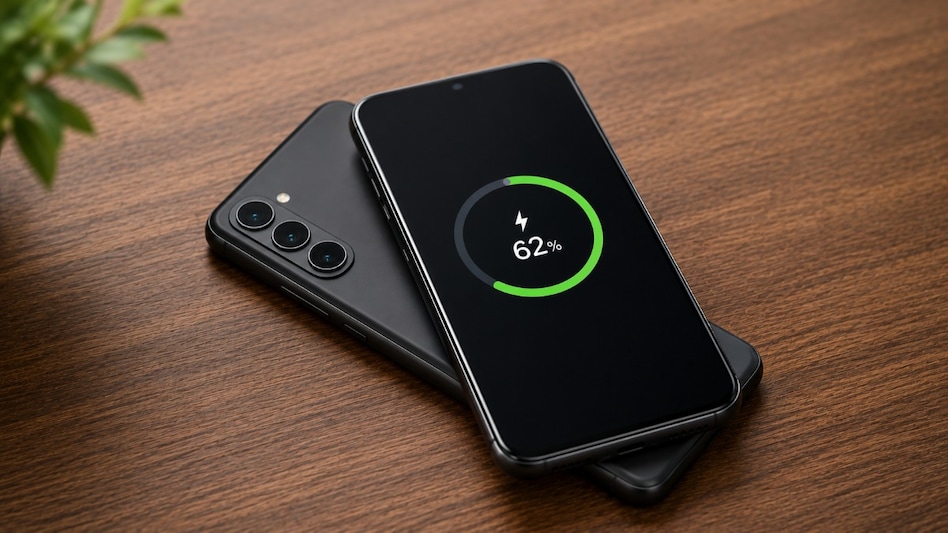
Did you know your smartphone might double as a charger for another device? This handy feature, known as reverse charging or battery sharing, allows you to share battery power with another smartphone, making it a lifesaver when your device is running low on juice. Many Android smartphones come equipped with this capability, while iPhone 15 and newer models offer a similar function. Depending on the device, you can transfer power either wirelessly or via a USB-C cable. For instance, Samsung Galaxy users can utilize Wireless PowerShare. Simply access the Quick Settings or notification panel, enable Wireless PowerShare, and place the device you wish to charge directly on the back of your Galaxy phone. On compatible Pixel devices, this feature is referred to as Battery Share. To activate it, navigate to Settings > Battery > Battery Share, switch it on, and position the Qi-compatible phone or accessory against the back of your Pixel. Users can even set a threshold for battery levels, ensuring Battery Share turns off automatically when the phone's battery is low. This feature isn't limited to smartphones alone; compatible earbuds, smartwatches, and other Qi-enabled devices can also draw power from a phone that supports wireless battery sharing. If you prefer a wired connection, iPhone 15 and later models can charge small devices like AirPods or Apple Watch through their USB-C port at a rate of up to 4.5W. For USB-C devices, simply connect using a USB-C cable, or use a USB-C-to-Lightning cable for compatible Lightning devices. While some Android phones can facilitate wired reverse charging, not all models with a USB-C port offer this functionality, so it's essential to check specific device capabilities. Before utilizing wireless battery sharing, ensure to remove any thick cases or metallic objects that might disrupt the connection and align the devices properly for optimal charging. Be mindful, though: battery sharing depletes the power of the device providing the charge, and wireless charging can generate heat. It's best suited for emergency situations rather than as a substitute for a traditional charger or power bank. Next time another phone, smartwatch, or earbuds need a quick power boost, remember to explore your smartphone's battery settings. You may find a feature that could save the day.
Nvidia's CEO Jensen Huang Returns Amid Scandal and Government Intervention
In a surprising turn of events, Nvidia's board has reinstated Jensen Huang as CEO and president just two weeks after his...
TechCrunch | Nov 24, 2026, 13:45
Mathematicians React to Controversial Joke Over Lengthy Proof of Riemann Hypothesis
Tensions are rising in the mathematical community following a controversial comment made by Levent Alpöge, a researcher ...
Business Insider | Nov 24, 2026, 17:30Nvidia's Leadership Shakeup: CFO Excluded from CEO Reinstatement Talks
Nvidia's chief financial officer, Colette Kress, who had a brief stint as interim CEO, was reportedly not included in se...
Business Today | Nov 24, 2026, 15:15
Investing in the Future: Solar and Battery Solutions for AI Data Centers
The challenge of powering AI data centers has emerged as a pivotal issue in the current technological landscape. Over th...
TechCrunch | Nov 24, 2026, 16:25
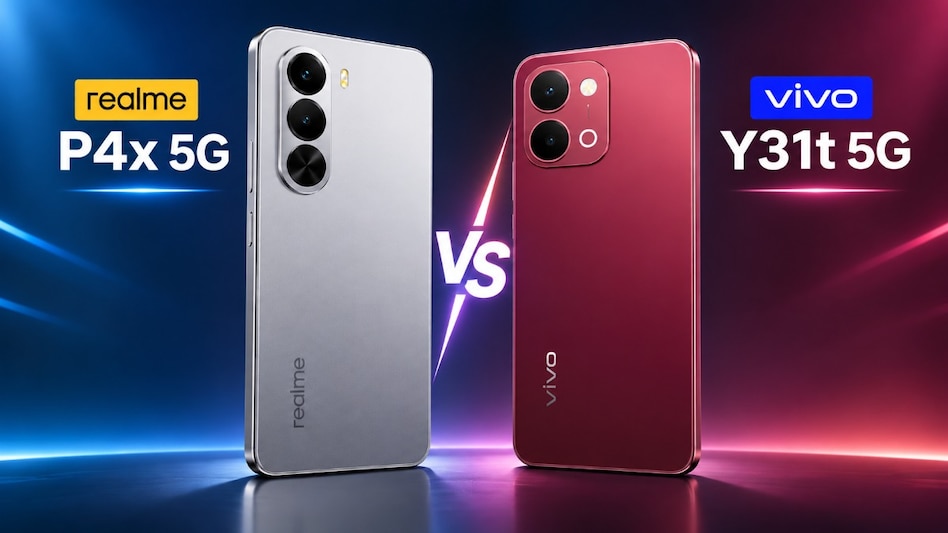
realme P4x 5G vs vivo Y31t 5G: Which Smartphone Offers the Best Bang for Your Buck?
When it comes to choosing between the realme P4x 5G and the vivo Y31t 5G, potential buyers are faced with distinct advan...
Business Today | Nov 24, 2026, 01:50