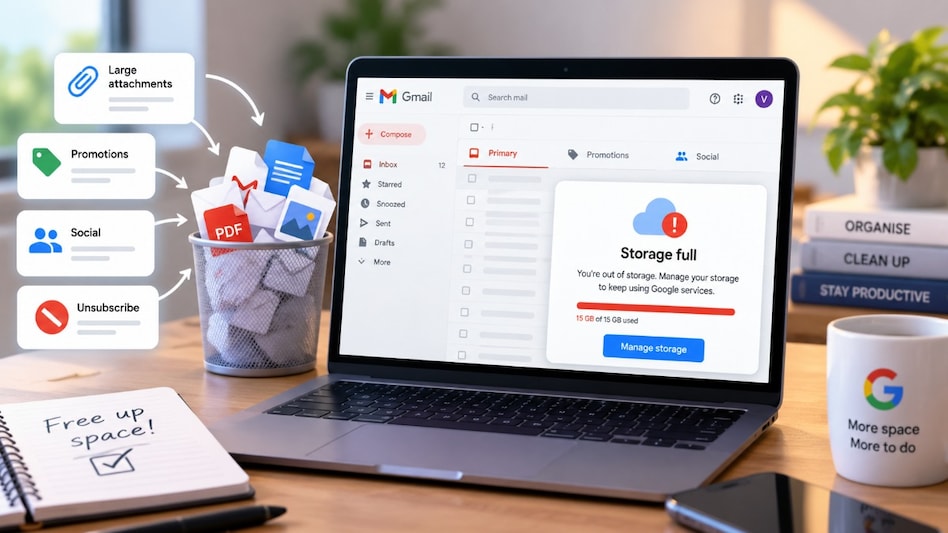
Gmail storage full? Few ways to free up space without paying for Google One
As many users of Google's services know, hitting the storage limit can be a frustrating experience. While most people often point to Google Photos or Drive as the culprits, Gmail can also significantly contribute to storage issues, especially for long-time users who have accumulated messages with large attachments over the years. Fortunately, there are effective ways to reclaim your storage without the need to upgrade to Google One. By utilizing Gmail's built-in cleanup tools, search commands, and managing subscriptions, users can efficiently remove unnecessary data while preserving important messages. To kick off the cleaning process, open Gmail and click on your profile icon, then select 'Clean up space.' This feature allows you to review emails that contain large attachments. Deleting unwanted emails and clearing out your Spam and Trash folders can help free up considerable space. However, keep in mind that the tool may overlook smaller attachments. For a more comprehensive approach, employ the search command 'has:attachment' to locate emails with files. You can refine your search further by adding parameters like 'larger:5MB' or specifying a date range, such as 'before:2024/01/01.' This method is effective on both the app and website, although the latter offers a more user-friendly experience for managing large volumes of emails. Next, tackle promotional clutter by using the search term 'older_than:1y category:promotions.' This will help you identify and delete older promotional emails that may not take up as much space as attachments, but can still contribute to storage consumption. Repeat similar searches for social and update categories to maximize your cleanup. To prevent unwanted emails from cluttering your inbox, visit the Manage Subscriptions section in Gmail. Here, you can unsubscribe from newsletters or mailing lists that no longer serve your interests. For other senders, simply open an email, tap the three-dot menu, and select 'Block.' Future emails from blocked senders will be directed to your Spam folder and automatically deleted after 30 days. If you’re concerned about losing important messages in the process, consider backing up your mailbox first. Google Takeout allows you to export your Gmail data in MBOX format. Alternatively, you could set up a secondary Gmail account and forward important messages there, ensuring that forwarded emails are set to delete from the original account. While clearing storage through these methods can be effective, it's worth noting that freeing up space in Google Photos or Drive or even purchasing additional storage may still be viable options for some users.
UK Government Sounds Alarm on Surge of AI-Enhanced Cyber Threats
The United Kingdom's cybersecurity agency has reported a significant increase in cyberattacks driven by artificial intel...
TechCrunch | Nov 24, 2026, 18:30
Cybersecurity Alert: Iranian Hackers Target Shipping Vessels in Surge of Attacks
U.S. authorities are investigating a series of cyberattacks on shipping vessels, with suspicions pointing toward Iranian...
TechCrunch | Nov 24, 2026, 21:15
Threads Expands to iPad with New Cashtag Feature to Rival X
Meta's Threads app has officially launched a dedicated version for iPad, marking a significant milestone in its developm...
TechCrunch | Nov 24, 2026, 18:00
AI Assistants Struggle to Handle Everyday Tasks, New Research Reveals
In recent months, AI firms have been promoting personal AI agents as solutions to alleviate the mundane aspects of daily...
TechCrunch | Nov 24, 2026, 21:45
Jensen Huang Opens Up at Nvidia's All-Hands Meeting: A Journey of Redemption
In a heartfelt address during Nvidia's first all-hands meeting since his reinstatement, founder Jensen Huang shared his ...
TechCrunch | Nov 24, 2026, 22:20