
How to turn off AI in your Google Docs
Many users have found themselves confronted by unexpected AI prompts while working in Google Docs, particularly the intrusive 'write with Gemini' feature. If you’re looking to eliminate these distractions, you’re not alone. After some trial and error, I’ve discovered ways to effectively turn off these AI distractions so you can focus on your writing. The initial step is quite simple. When I first encountered the pop-up, my frustration led me to overlook a crucial setting. Instead of finding the 'bottom bar preferences,' I mistakenly opted for the 'Ask something else' option, hoping Gemini could help me resolve the issue. To no surprise, the AI suggested clicking the 'X' icon, which only closed the chat but didn’t disable the feature. This experience raises questions about how effective these solutions really are. Other users have shared their own frustrations, reporting additional features like a hovering 'help me write' tool that can be equally distracting. To prevent these annoyances before they become a hassle, it's wise to take a proactive approach. As Benjamin Franklin wisely noted, 'An ounce of prevention is worth a pound of cure.' Instead of battling each AI feature individually, you can disable all 'smart features' in your Google Workspace through Gmail settings. With these adjustments, you can reclaim your writing experience in Google Docs and enjoy a more seamless workflow.
Mathematicians React to Controversial Joke Over Lengthy Proof of Riemann Hypothesis
Tensions are rising in the mathematical community following a controversial comment made by Levent Alpöge, a researcher ...
Business Insider | Nov 24, 2026, 17:30Revolutionizing Cybersecurity: AI's Role in Modern Threat Detection and Defense
As businesses increasingly embrace digital transformation and artificial intelligence, the complexity of cybersecurity t...
Business Today | Nov 24, 2026, 08:30
Nvidia's CEO Jensen Huang Returns Amid Scandal and Government Intervention
In a surprising turn of events, Nvidia's board has reinstated Jensen Huang as CEO and president just two weeks after his...
TechCrunch | Nov 24, 2026, 13:45
Nvidia's Leadership Shakeup: CFO Excluded from CEO Reinstatement Talks
Nvidia's chief financial officer, Colette Kress, who had a brief stint as interim CEO, was reportedly not included in se...
Business Today | Nov 24, 2026, 15:15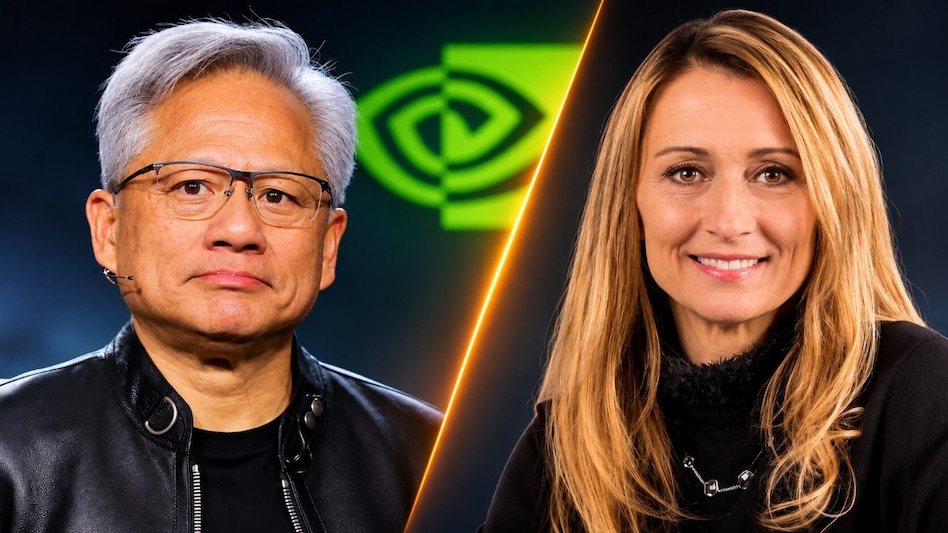
Saudi Engineer Faces Legal Battle Over Alleged Espionage Using AI Tech
A Saudi engineer employed by OpenAI, Abdulrahman Alfozan, is at the center of a legal dispute as prosecutors allege he u...
Business Insider | Nov 23, 2026, 23:50