Is macOS 27 update taking up space on your Mac? Check for these hidden AI files
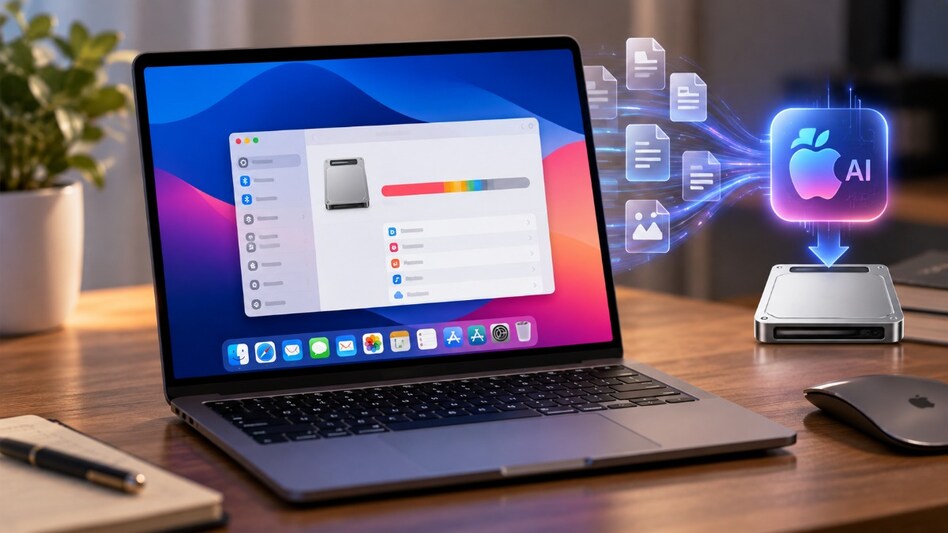
After upgrading to macOS 27, some users have noticed a significant decrease in their available storage, potentially due to hidden AI files. Reports from Mac users on platforms like Reddit and Hacker News indicate that these files can occupy several gigabytes of space, with some estimates suggesting they may take up to 10GB or more. This can be quite impactful for users with limited storage, such as those with 256GB Macs. The reason behind this unexpected consumption of storage lies in Apple’s on-device AI capabilities. While some features of Apple Intelligence operate through the cloud, many rely on AI models that are stored directly on the Mac. This means that if users are not frequently utilizing these AI features, they might be surprised to find these files consuming valuable SSD space. Apple employs on-device AI for various features to enhance user privacy, processing tasks locally rather than relying solely on cloud-based solutions. The latest iterations of Apple Intelligence include the AFM 3 Core, which boasts a massive 3 billion parameters, and the advanced AFM 3 Core Advanced model for more demanding tasks. For heavier processing needs, Apple utilizes its Private Cloud Compute. One complication is that macOS treats these AI resources as system assets, meaning they may not be immediately identifiable as part of Apple Intelligence. Instead, users might simply see an increase in 'System Data' when checking their storage. To examine and manage your storage, navigate to the Apple menu, then select System Settings, followed by General, and finally Storage. This will prompt macOS to analyze and display a breakdown of your storage usage. If you find that you do not use Apple Intelligence, you have the option to deactivate it. According to Tom’s Guide, you can turn it off by going to System Settings, selecting Apple Intelligence & Siri, and then toggling Apple Intelligence to Off. Additionally, Siri's AI functionalities can be disabled from the same menu. However, it’s important to note that turning off these features does not immediately remove the downloaded models. Users are also cautioned against manually deleting AI files from system folders, as these are managed by the operating system. Removing them could lead to issues or prompt macOS to redownload the files. If you still notice storage discrepancies, consider checking for Time Machine local snapshots through Disk Utility.
Amazon's $7.5 Billion Acquisition of Decart: A Strategic Move in the AI Chip Landscape
In a significant development for the tech industry, Amazon has announced its acquisition of Decart, a startup specializi...
TechCrunch | Nov 24, 2026, 15:55
Pinterest Empowers Parents with New Controls Over AI Content for Teens
This week, Pinterest unveiled an enhancement to its parental controls, introducing a feature that allows parents to regu...
TechCrunch | Nov 24, 2026, 16:25
Saudi Engineer Faces Legal Battle Over Alleged Espionage Using AI Tech
A Saudi engineer employed by OpenAI, Abdulrahman Alfozan, is at the center of a legal dispute as prosecutors allege he u...
Business Insider | Nov 23, 2026, 23:50Mathematicians React to Controversial Joke Over Lengthy Proof of Riemann Hypothesis
Tensions are rising in the mathematical community following a controversial comment made by Levent Alpöge, a researcher ...
Business Insider | Nov 24, 2026, 17:30Instagram Integrates AI Assistant Muse for Enhanced User Experience
In a significant move, Meta has announced the integration of its AI assistant, Muse, directly into Instagram's direct me...
TechCrunch | Nov 24, 2026, 17:25